The product

Built for the work
between.

Everything in Beevyl exists because two companies share the work but not the org chart. This is the tour — from the baton pass to the closing ceremony.

01 · Handoffs

The baton pass,
made contract-grade.

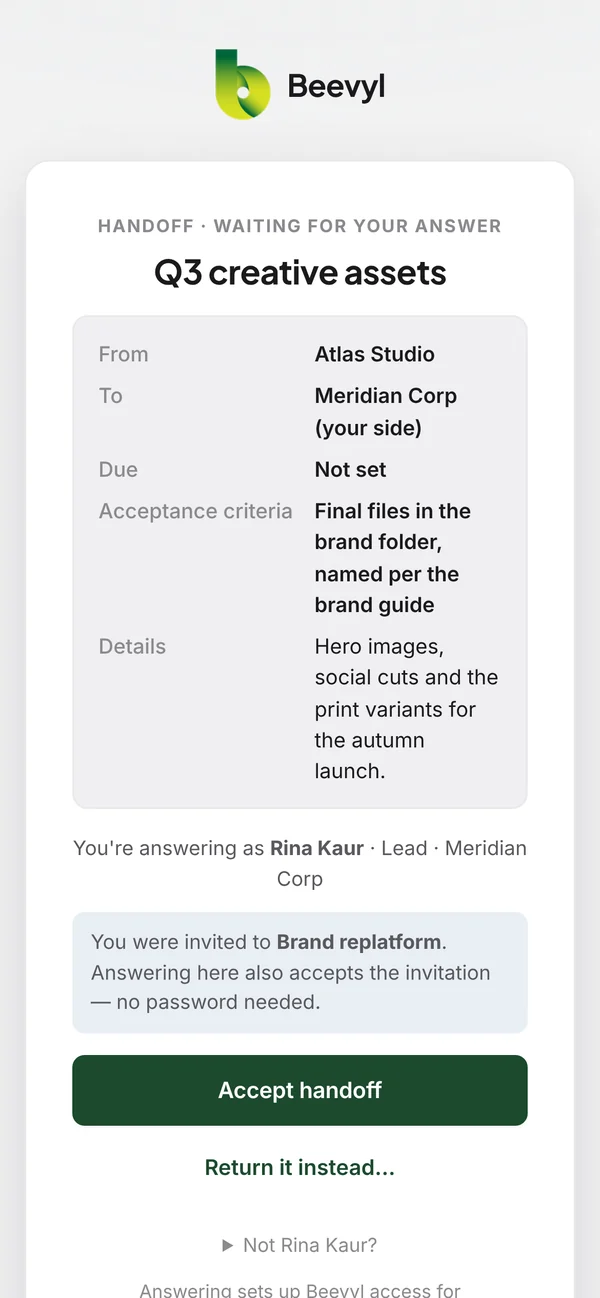
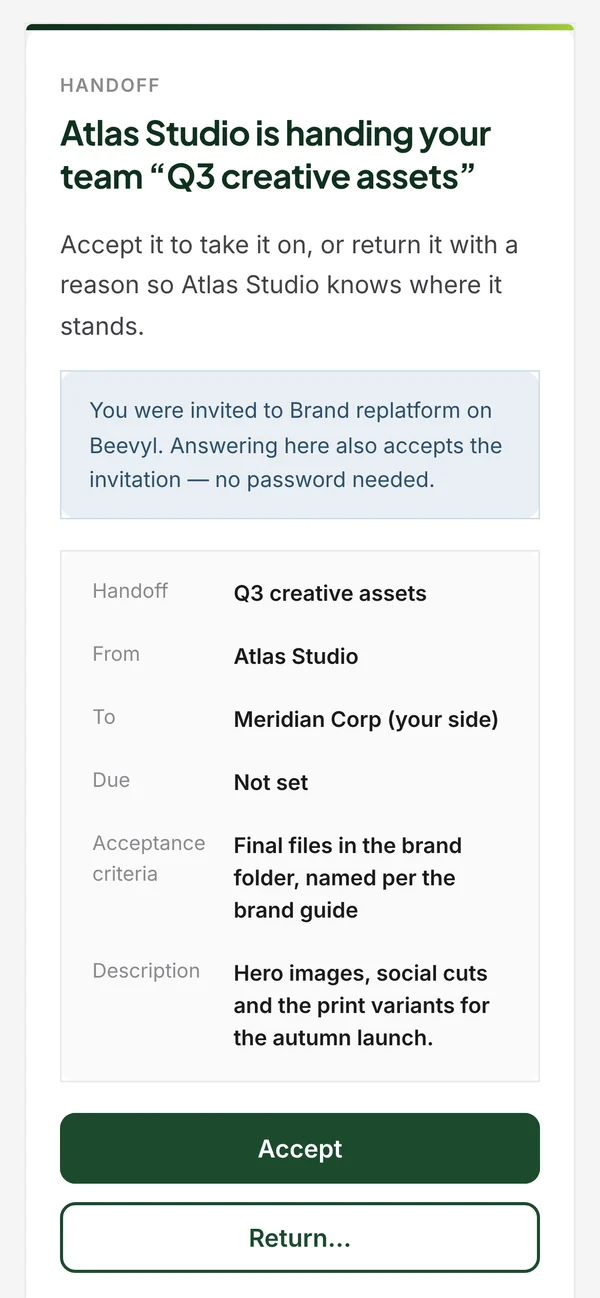
Work crossing the company line is grouped by who needs to act next — your turn, or waiting on them — so the board always shows who is holding the ball.

The handoff journey between two companies A single path runs from Atlas Studio's lane, across the dashed company line, into Meridian Corp's lane and back again — through five stops: Propose, Accept, Start, Deliver, Confirm. Two dashed branches leave the path and cross back to the sender, marked Return and Dispute. the company line AT Atlas Studio sending ME Meridian Corp receiving Return Dispute Atlas offers, with criteria Propose 1 2 Accept Meridian agrees the terms 3 Start work in progress 4 Deliver handed back Atlas closes it out Confirm 5 time
The clock starts at Propose and never stops — Beevyl measures time-to-accept and time-to-deliver on every crossing. Return and dispute always ask for a reason, so nothing dies silently.

Agree on done first

Every handoff carries acceptance criteria, written before work starts — so both sides agree what done means while it's still cheap to disagree.

Response clocks

Time-to-accept and time-to-deliver are measured automatically from the moment a handoff is proposed — and roll up into each company's averages.

Context attached

Link the tasks, documents and decisions a handoff depends on. When someone opens it, everything they need is one click deep.

02 · The referee

Numbers neither side
can argue with.

Two companies share no manager. So Beevyl plays the referee — the same neutral figures, shown to both sides, derived from the record itself.

Accountability dashboard

The side-by-side scoreboard

Identical for both companies. Internal work is excluded, so private prep never skews the joint numbers.

Attention

Drift, surfaced automatically

Staleness is derived from the record's own timestamps — anything sitting too long is surfaced, ranked, and attributed. Before it becomes a fire.

03 · Blockers

Escalation nobody
has to trigger

A blocker names which company is blocking, how badly, and why. Then the clock takes over: the named counterpart is notified after 24 hours, the other side's workspace lead after 48. The timers are yours to tune — the point is that no human has to be the nag.

  • Severity from low to critical, ranked by age and impact
  • Aging visible to both sides — awkward by design
  • Escalation pips show exactly how far a blocker has climbed

04 · Decisions

Agreed means
countersigned

A decision is proposed by one side and signed off by the other — the proposer can't self-sign. Once agreed it's on the record for good: never edited, only superseded by a later decision that points back at the one it replaces.

  • Question, outcome, rationale — searchable, day-grouped
  • Linked to the handoffs, tasks and documents it affects
  • The agreement trail that settles "but you said…" for good

05 · The day-to-day

The scaffolding,
shaped for two.

The familiar surfaces are all here — board, schedule, documents, wiki, roster. What's different is that every one of them knows there's a company line running through the room. Nine of them, one at a time.

05.1

Tasks, with a private lane

Kanban and list views, every task tagged with the company that owns it and the person it's assigned to. But the lane that matters is the invisible one: draft work internally, where the other side can't see it, and promote it to the shared board when it becomes a commitment. Promotion is a one-way door — so what's shared, stays shared.

  • Three lanes both sides read the same way: To do, Doing, Done
  • Internal tasks are excluded from shared feeds and from the neutral metrics
  • Threaded comments with @mentions that reach the right person by email

05.2

The plan, drawn against the calendar

Milestones are the checkpoints both companies agreed to — so they live in the neutral space, not in one side's project tool. The schedule track runs from kickoff to target end date with a Today marker, and slippage shows up as a dot drifting to the wrong side of it.

  • Overdue milestones sort to the top, with "3 days overdue · was due Jul 20"
  • A progress meter reading "Day 41 of 180 · 139 days left"
  • Complete a milestone right up until the workspace closes

05.3

A document registry, not a dump

Beevyl doesn't want to be your file store. Register a pointer to where the current version actually lives — SharePoint, Drive, Box — and sensitive files never leave your own storage. Or upload it here, where it's scanned and locked down. Either way, exactly one entry can be marked canonical, so "which version counts" has exactly one answer.

  • Every upload scanned by Microsoft Defender — no download until the verdict is clean
  • Files judged by their actual bytes, not their extension
  • Owner company, version label and scan state visible on every row

05.4

Stop re-explaining yourselves

Two companies rarely use the same words for the same things, and projects die in the gap. Knowledge holds the pages you keep re-explaining and a shared glossary for the words you keep defining — so when one side says "go-live", both sides mean the same moment.

  • Light wiki pages either company can write and edit
  • A joint glossary of agreed terms and definitions
  • Author and "updated 2 days ago" on every page

05.5

One timeline, and the record beneath it

The activity feed is the running pulse both companies read: every handoff, blocker, decision and task step lands there automatically, grouped by day and attributed to a side. Underneath sits the audit log — an immutable account of who did what, when, and on which object, including failures.

  • Filter by type or by company; a live dot marks the last hour
  • Audit actions written in plain English, not internal jargon
  • Export the whole audit trail to CSV in one click

05.6

Signal, without the noise

Cross-company work generates a lot of events, and almost none of them need to interrupt you. Five categories, each set per person to immediate, daily digest, or off — so a blocker escalation reaches you now and everything else arrives once, at 7am.

  • Email only when a human is genuinely needed to act
  • Billing-critical mail is always sent directly, never buried in a digest
  • Your preferences, not your admin's

05.7

Run the tenth one like the ninth

If you run the same shape of engagement again and again, your playbook shouldn't be rebuilt by hand each time. A template holds milestones with due-day offsets and starter tasks for both sides — cloned into a new workspace at creation, dated relative to the kickoff you just picked.

  • Per-side starter tasks, so both companies begin with their own list
  • Relative deadlines that re-date themselves to each new engagement
  • Chosen at creation: "Onboarding — 5 milestones, 12 tasks"

05.8

Everyone joins on a side

The roster is grouped by company, because that's the fact that matters. Each side manages its own people and picks their role: one accountable Lead per company, Members who do the work, Viewers who read everything, and Observers — a safe seat for an exec or a client sponsor, limited to the high-level surfaces.

  • Invite by email; the counterparty joins without an account on your systems
  • Invite links are signed and expire; unaccepted invitations are swept away
  • The system blocks removing the last admin — you can't lock yourself out

05.9

Governance for the side that pays

Collaboration is symmetric; ownership isn't. The buying company gets its own administrative layer, kept entirely separate from the collaboration roles — so someone can run billing without reading a single handoff, or lead an engagement with no account powers at all.

  • Optional approval: new workspaces stay inert and unbilled until an admin approves
  • A cap on how many workspaces may be active — and billable — at once
  • Tenant admins see every workspace in the account; counterparties never do

06 · The whole arc

Time-boxed,
like the work itself.

A Beevyl workspace has a beginning, a middle and an end. Pause it, resume it — and when the work is done, wind it down properly.

  • Approve it, pause it, resume it — the states are explicit and visible to both sides
  • Close & freeze: read-only for both companies, audit trail preserved
  • A closed workspace costs nothing — history is never held hostage

How the wind-down works →

07 · Teardown & export

Both sides walk away
with the whole record.

Most tools make leaving a support ticket. Beevyl makes it a step in the process: when a workspace closes, each company downloads its own complete copy — not a courtesy export for the owner and a shrug for the guest.

Step one

Start teardown

A Lead marks the workspace Closing. It stays fully readable and the wind-down begins — every handoff reaches a terminal state, open blockers get cleared or documented, and unsigned decisions get resolved or listed as open items.

Step two

Each company exports

Both sides download their own pack, independently. Neither needs the other's permission, and neither can quietly take a copy the other doesn't get.

Step three

Close & freeze

The workspace becomes read-only for both companies, audit trail intact. It stops being billable the same day — and stays there, readable, at no cost, for as long as you want it.

AT Atlas Studio Owner

Downloads its own closeout pack

  • workspace-data.jsonEvery task, handoff, decision, blocker and document reference
  • accountability.jsonThe neutral scoreboard, frozen at close
  • open-items.jsonHonest list of what never got finished
  • closeout-summary.mdA written summary a human can actually read

ME Meridian Corp Counterparty

Downloads its own closeout pack

  • workspace-data.jsonEvery task, handoff, decision, blocker and document reference
  • accountability.jsonThe neutral scoreboard, frozen at close
  • open-items.jsonHonest list of what never got finished
  • closeout-summary.mdA written summary a human can actually read

The counterparty never paid a cent — and still leaves with the same portable record as the company that owns the workspace. Open formats, no proprietary container, nothing to request from support. The audit trail travels with it.

08 · Security

Paranoid where
it counts.

Two companies' work in one place is a responsibility. The controls are built in from the first login, not bolted on for the certification.

Malware scanning on every upload

Files are scanned by Microsoft Defender and stay locked until the verdict is clean. Infected files are quarantined for good — a verdict never downgrades.

Files judged by content, not claims

Uploads are validated against their actual leading bytes — an executable renamed to .pdf is rejected. Scripts, HTML and SVG never get in.

Tenant isolation on every request

No public links, no shared storage keys. Every download is authenticated and authorized in real time; probing outsiders see identical 404s.

Passkeys & two-factor

Modern sign-in with passkeys, 2FA with recovery codes, and external logins — on top of two independent layers of role-based permissions.

Invitations that expire

Invite links are signed and die at 14 days; unaccepted invitations are swept away automatically. A forgotten invite never becomes a backdoor.

Keys in vaults, not code

Sensitive fields are encrypted at the application layer, secrets live in managed key vaults, and infrastructure access uses short-lived cloud identities — no long-lived keys anywhere.

See it with your
own counterparty.

Create a workspace, invite the other side — they pay nothing — and run one real handoff through it.

Start free trial